

Setting up a MAG Box for IPTV in Ireland has never been more straightforward. Whether you are using the latest MAG 524 or the classic MAG 254/322 models, these dedicated set-top boxes remain a gold standard for streaming stability and picture quality. At IPTV Services Irish, we provide a high-performance infrastructure supporting over 16,000 live channels and 160,000 VOD titles, specifically optimized for the unique hardware architecture of Infomir’s MAG devices.
In this 2026 updated guide, we will walk you through the essential steps to configure your device, from hardware connection to portal URL authorization. By following this expert workflow, you will ensure a buffer-free experience for live sports and premium cinema. Before you begin, ensure you have your device’s MAC Address (found on the underside of your box) ready to link with your subscription for instant activation.
After connecting your power and HDMI cables, turn on your device. You will see the loading screen (usually the Infomir logo). Wait for the system to initialize; this may take 30-60 seconds depending on your MAG Box model.
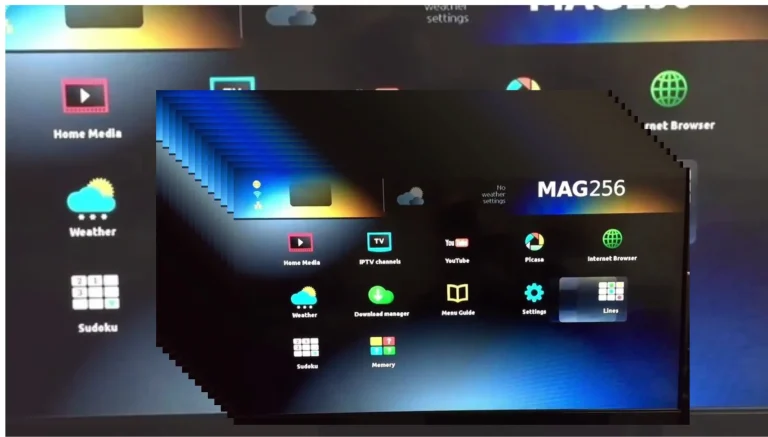
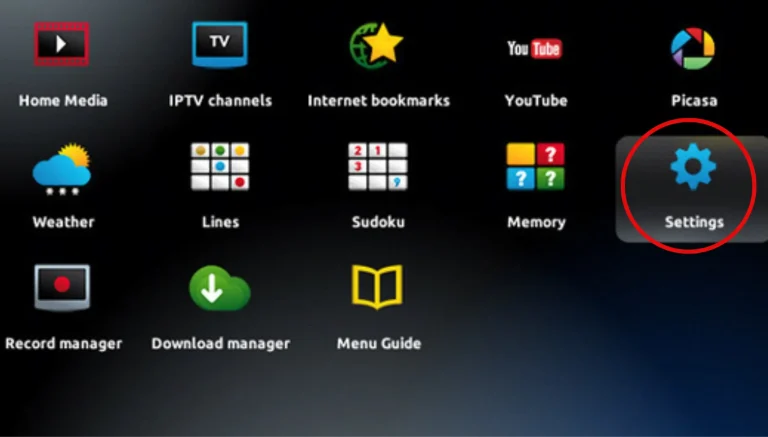
Once the main interface appears, navigate to the ‘Settings’ icon (the gear symbol). From the settings menu, select ‘Device Preferences’ (or ‘System Settings’ on older firmware) to begin your local configuration.
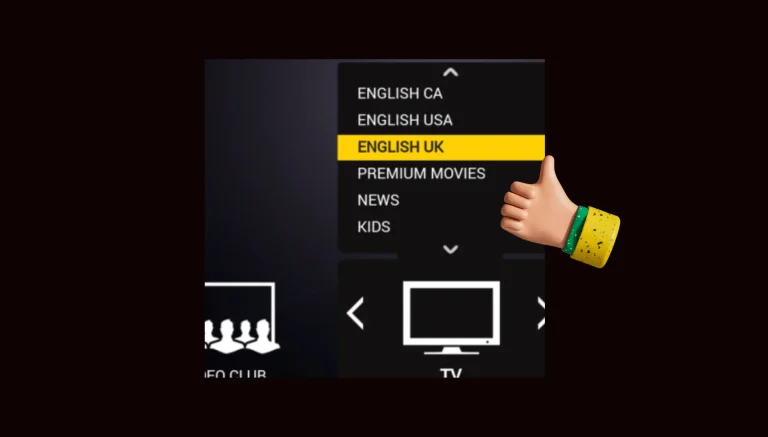
Inside the Device Preferences menu, locate the ‘Language’ option. For the best experience with our service, ensure ‘English’ is selected as the primary language. This ensures all EPG (Electronic Program Guide) data displays correctly.
Proper date and time settings are critical for the TV Guide to sync with live Irish and UK broadcasts. Go to Settings > Device Preferences > Date & Time. Set this to ‘Automatic’ or manually select your timezone (Dublin/London) to ensure your schedule is accurate.
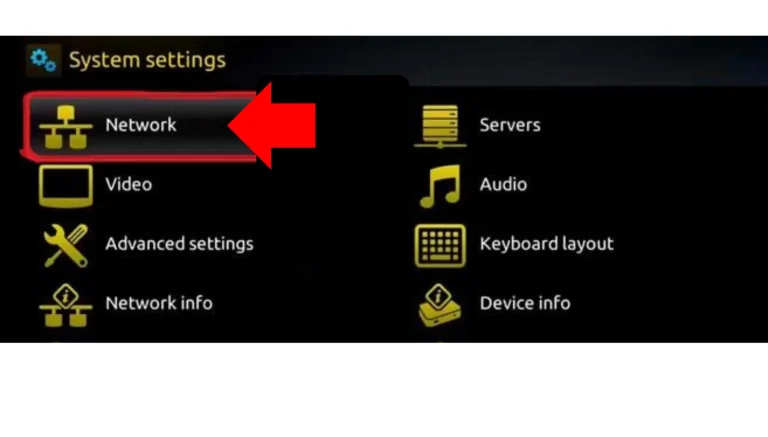
For 4K streaming and high-speed stability, we recommend a wired Ethernet connection. However, if using Wi-Fi: Go to Settings > Network. Choose your Wi-Fi network from the list, enter your password, and verify that the status changes to ‘Connected.’
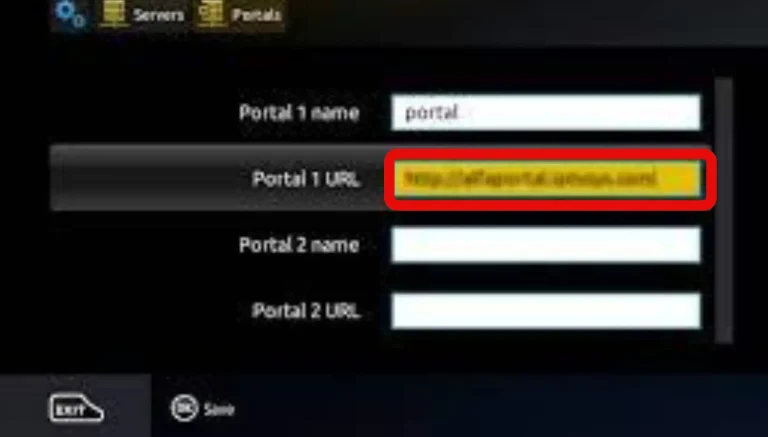
With the internet active, your MAG Box is now ready for the IPTV portal. You can now access thousands of live series and movies. Proceed to the next section to link your MAC Address with our servers for full access to our 16,000+ channel library.
MAG Box Setup: Frequently Asked Questions
Q: Why does my MAG Box show “Your STB is blocked”?
A: This usually happens if your MAC Address hasn’t been activated yet or if there is a typo in the MAC address provided to your service provider. Contact our 24/7 support to verify your activation.
Q: Can I use Wi-Fi or should I use Ethernet? A:
While MAG Boxes support Wi-Fi, we strongly recommend a wired Ethernet connection for streaming live sports and 4K VOD to prevent buffering and ensure maximum stability.
Q: Do I need a VPN for my MAG Box in Ireland? A:
A VPN is not strictly required, but it is highly recommended to prevent ISP throttling during peak times (like big football matches) and to protect your online privacy.
Q: How do I find my MAC Address? A:
Look for the sticker on the underside of your MAG Box. It will start with 00:1A:79:XX:XX:XX. You can also find it under Settings > Info.
By following this guide, you have successfully unlocked a world of premium entertainment. Our MAG Box-optimized servers ensure you get the most out of your hardware, providing access to over 16,000 live channels and a massive library of 160,000+ VODs. If you encounter any issues during the setup or need to refresh your portal link for 2026, our expert Irish support team is just a WhatsApp message away. Start your premium 4K streaming journey today with the most reliable IPTV service in Ireland.